01 / 02
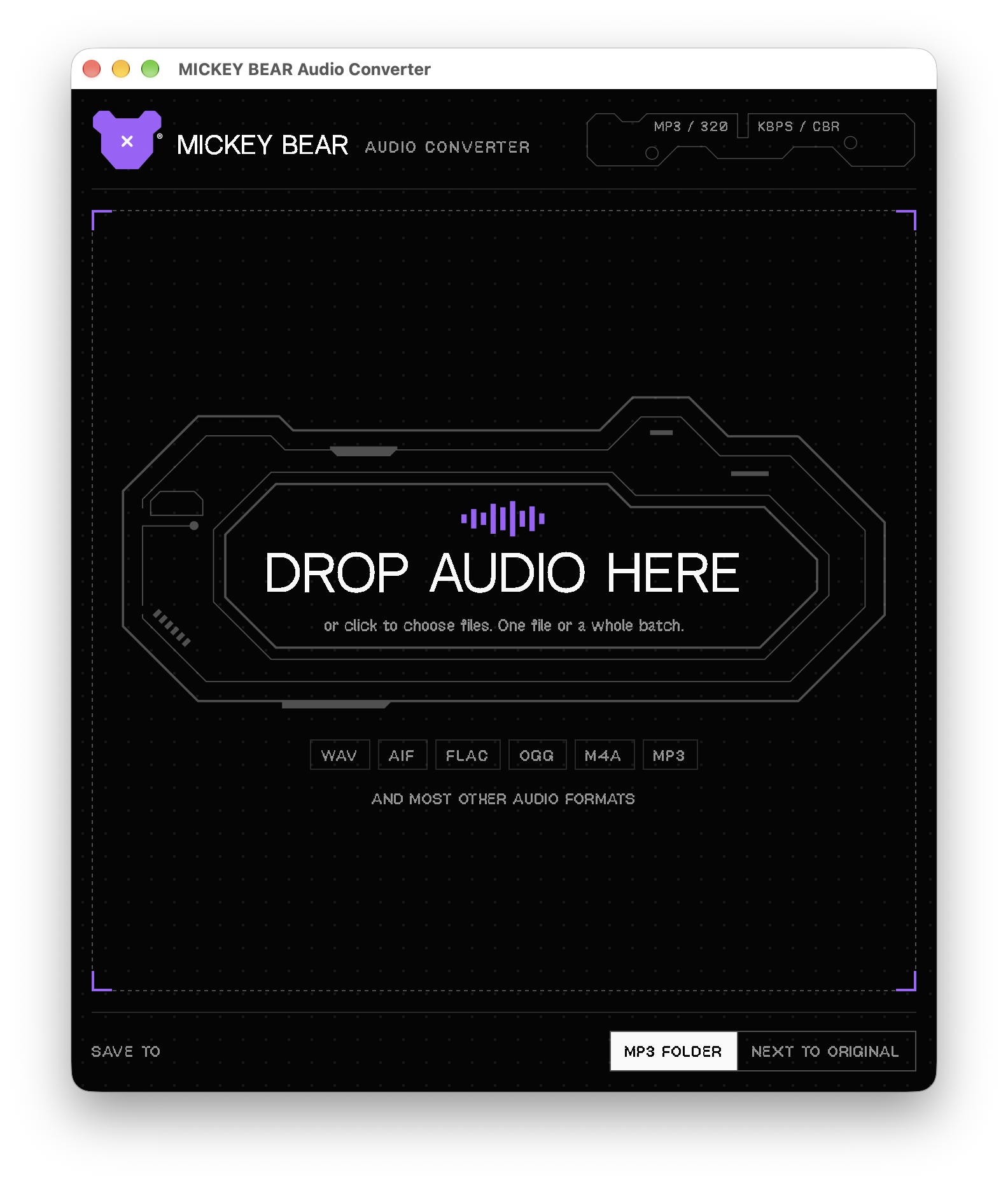
DROP AUDIO HERE
SOFTWARE // MB—26[01] APP
AUDIO CONVERTER
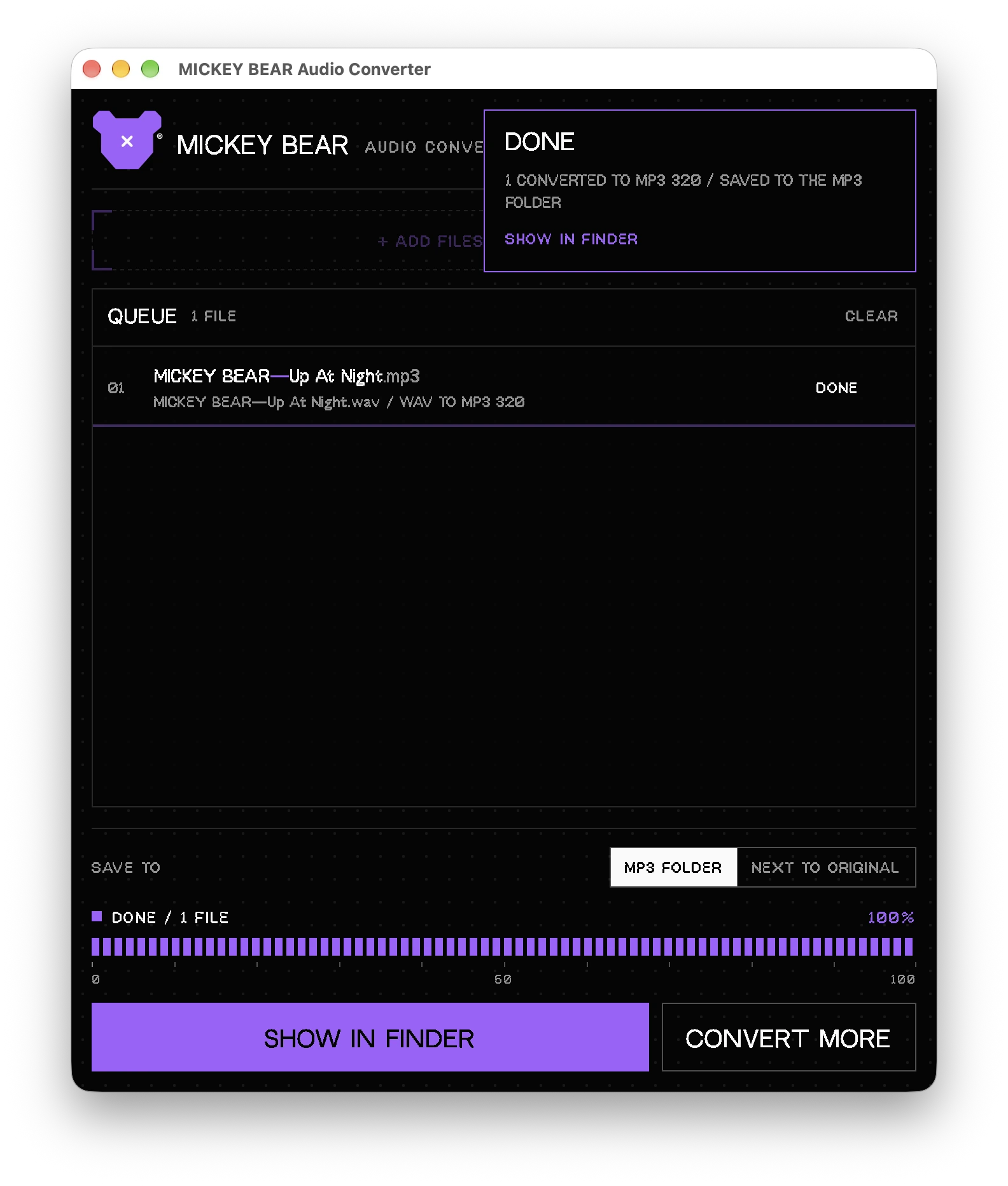
A small Mac app for converting audio files. Drop files in, pick a format, get the result next to the originals. Made for my own workflow, free for everyone.
- VERSION1.0
- PLATFORMmacOS, Apple Silicon (M1 and newer)
- FILEMICKEY-BEAR-Audio-Converter-1.0.pkg · 14.7 MB
- PRICEFree
NO ACCOUNT, NO CARDHOW TO INSTALL ↓
The installer is not signed with a paid Apple Developer certificate, so on some Macs macOS shows a warning the first time you open it. This is normal for downloaded apps from independent developers. It takes about a minute to get past it.
1 // OPEN THE INSTALLER
- Open the downloaded MICKEY-BEAR-Audio-Converter-1.0.pkg. If macOS says it cannot verify the developer, click Done (do not move it to Trash).
- Open System Settings → Privacy & Security, scroll down to the Security section and click Open Anyway next to the installer's name. Confirm with your password or Touch ID.
- Follow the installer steps. On older macOS versions (14 and older) you can instead Control-click the file, choose Open, then Open again.
2 // IF THE APP STILL WON'T OPEN
Paste into Terminal to remove the download quarantine flag from the installer:
xattr -d com.apple.quarantine ~/Downloads/MICKEY-BEAR-Audio-Converter-1.0.pkgOr, after installing, for the app itself:
xattr -dr com.apple.quarantine "/Applications/MICKEY BEAR Audio Converter.app"3 // CHECK THE FILE
SHA-256 of MICKEY-BEAR-Audio-Converter-1.0.pkg:
43978f25087b1a22fb203de158d8c999c1c6265fbe2695ba8dcb380cad4eef08To compare, run shasum -a 256 ~/Downloads/MICKEY-BEAR-Audio-Converter-1.0.pkg in Terminal. The result should match the line above.