SHOP
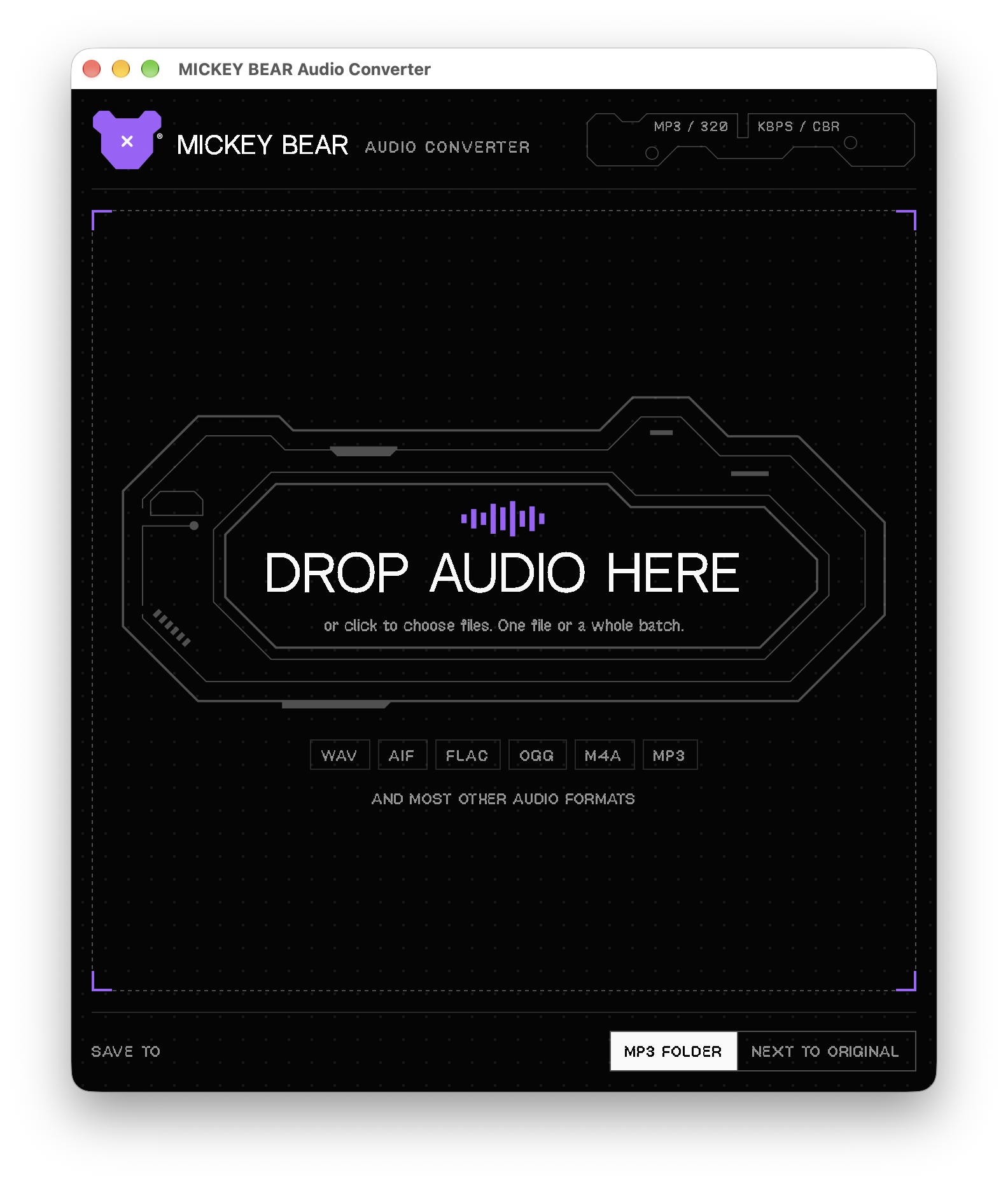
DROP AUDIO HERE
AUDIO CONVERTER
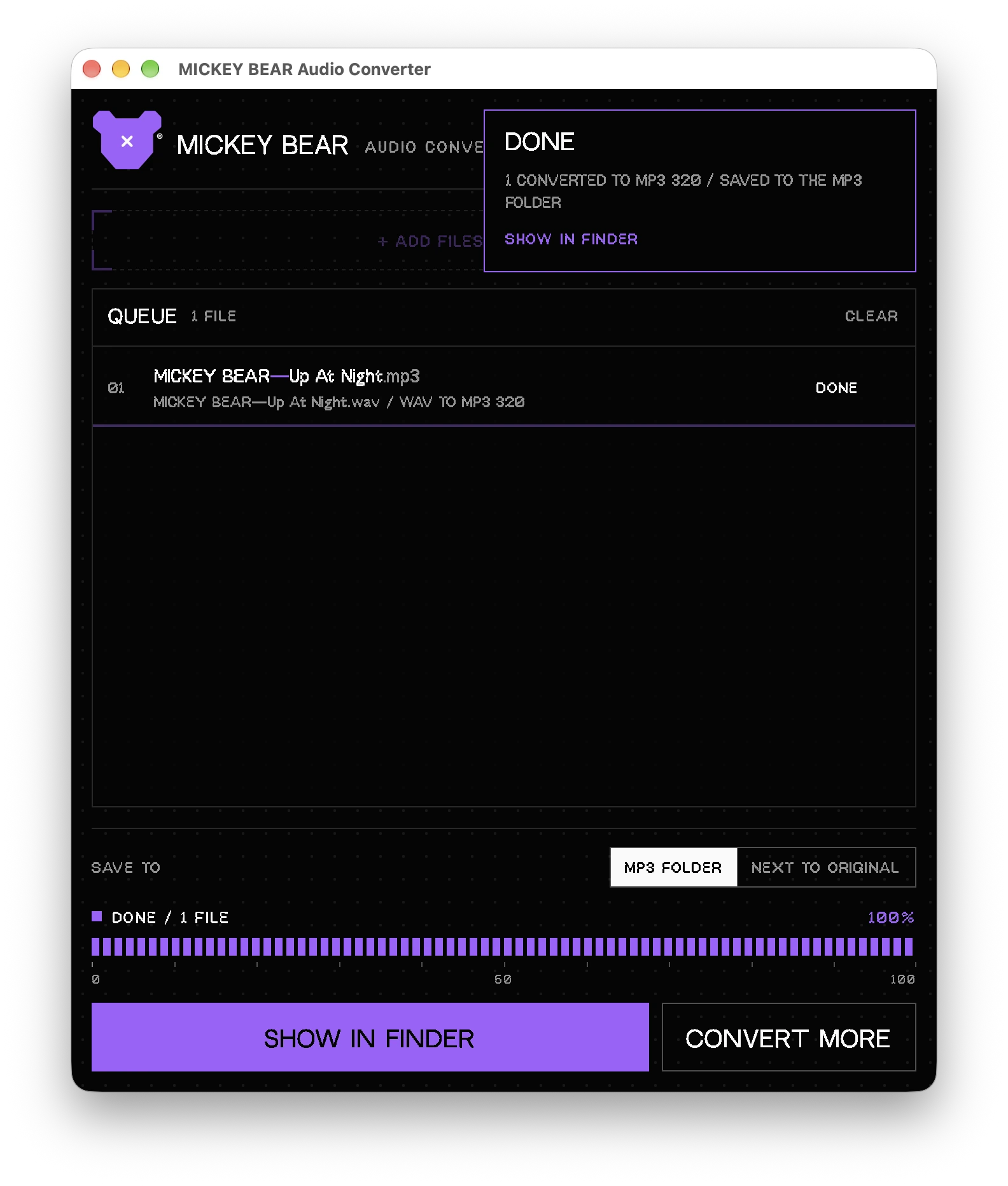
A small Mac app for converting audio files. Drop files in, pick a format, get the result next to the originals. Made for my own workflow, free for everyone.
- VERSION1.0
- PLATFORMmacOS, Apple Silicon (M1 and newer)
- FILEMICKEY-BEAR-Audio-Converter-1.0.pkg · 14.7 MB
- PRICEFree
Under construction
MICKEY BEAR PLUGINS are not out yet. Nothing to buy here for now, they are still being developed. Software is already available in the other tab.
The installer is not signed with a paid Apple Developer certificate, so on some Macs macOS shows a warning the first time you open it. This is normal for downloaded apps from independent developers. It takes about a minute to get past it.
1 // OPEN THE INSTALLER
- Open the downloaded MICKEY-BEAR-Audio-Converter-1.0.pkg. If macOS says it cannot verify the developer, click Done (do not move it to Trash).
- Open System Settings → Privacy & Security, scroll down to the Security section and click Open Anyway next to the installer's name. Confirm with your password or Touch ID.
- Follow the installer steps. On older macOS versions (14 and older) you can instead Control-click the file, choose Open, then Open again.
2 // IF THE APP STILL WON'T OPEN
Paste into Terminal to remove the download quarantine flag from the installer:
xattr -d com.apple.quarantine ~/Downloads/MICKEY-BEAR-Audio-Converter-1.0.pkgOr, after installing, for the app itself:
xattr -dr com.apple.quarantine "/Applications/MICKEY BEAR Audio Converter.app"3 // CHECK THE FILE
SHA-256 of MICKEY-BEAR-Audio-Converter-1.0.pkg:
43978f25087b1a22fb203de158d8c999c1c6265fbe2695ba8dcb380cad4eef08To compare, run shasum -a 256 ~/Downloads/MICKEY-BEAR-Audio-Converter-1.0.pkg in Terminal. The result should match the line above.